Your cat is not
a developer.
MeowProof locks your keyboard in one click — and auto-locks when it
detects paw-walking. No more jjjjkkkkaaaaaa sent to production,
closed documents, or misfired shortcuts.
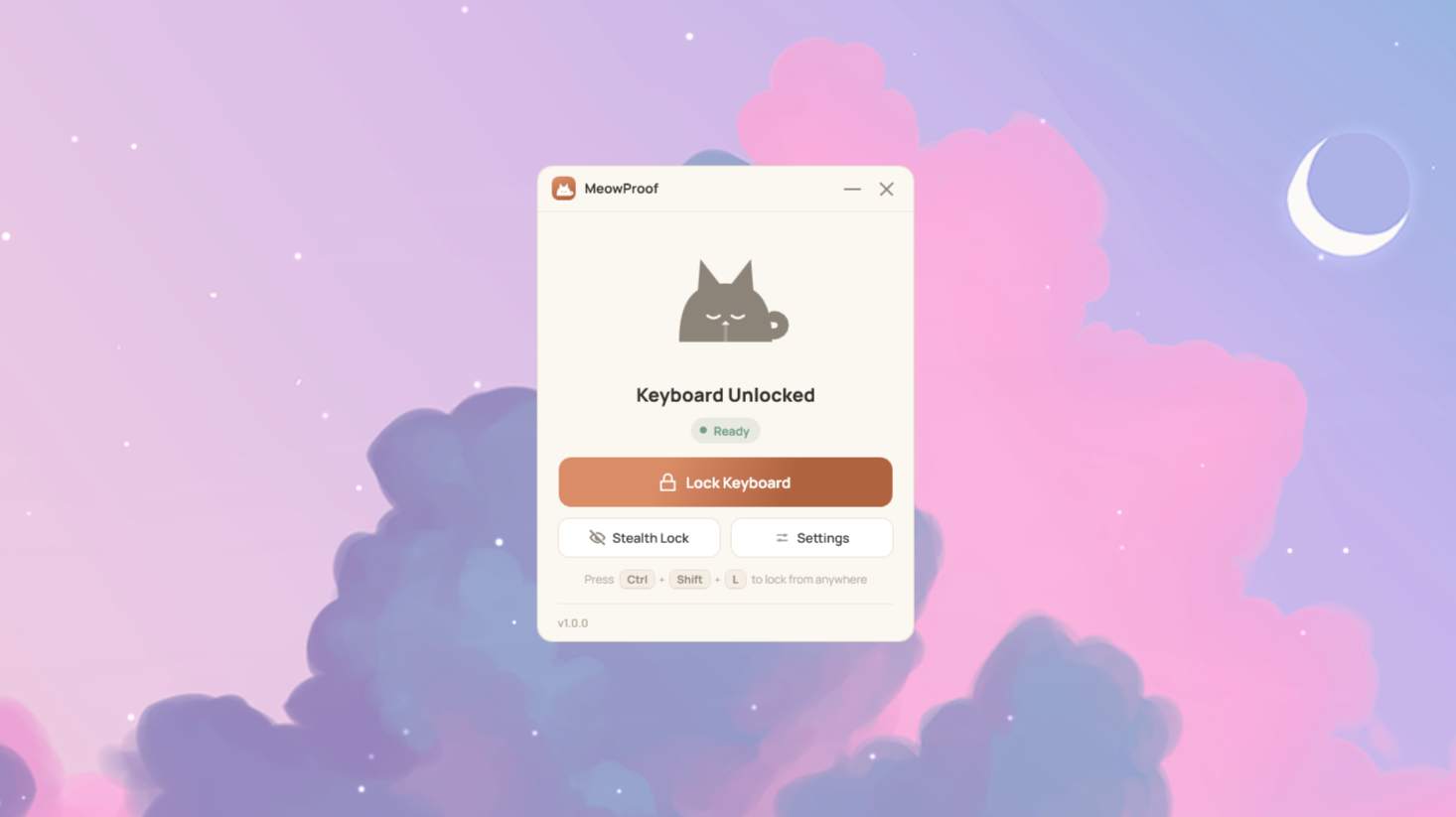
MeowProof locks your keyboard in one click — and auto-locks when it
detects paw-walking. No more jjjjkkkkaaaaaa sent to production,
closed documents, or misfired shortcuts.
A focused utility that does one thing well — with a handful of extras for cat owners who've been burned before.
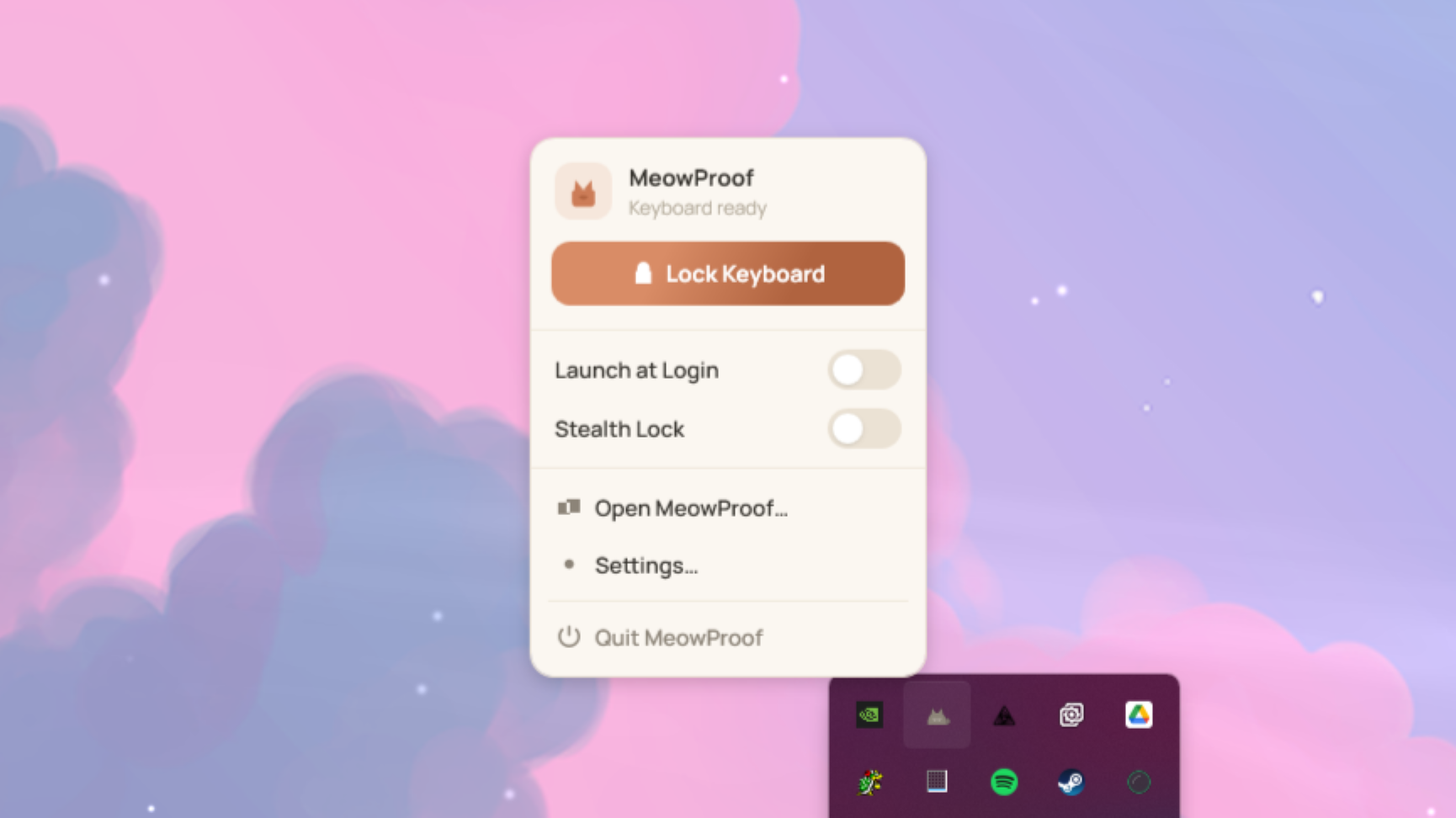
Blocks every key system-wide. Hit Lock Keyboard in the window, tray menu, or press Ctrl+Shift+L from anywhere.
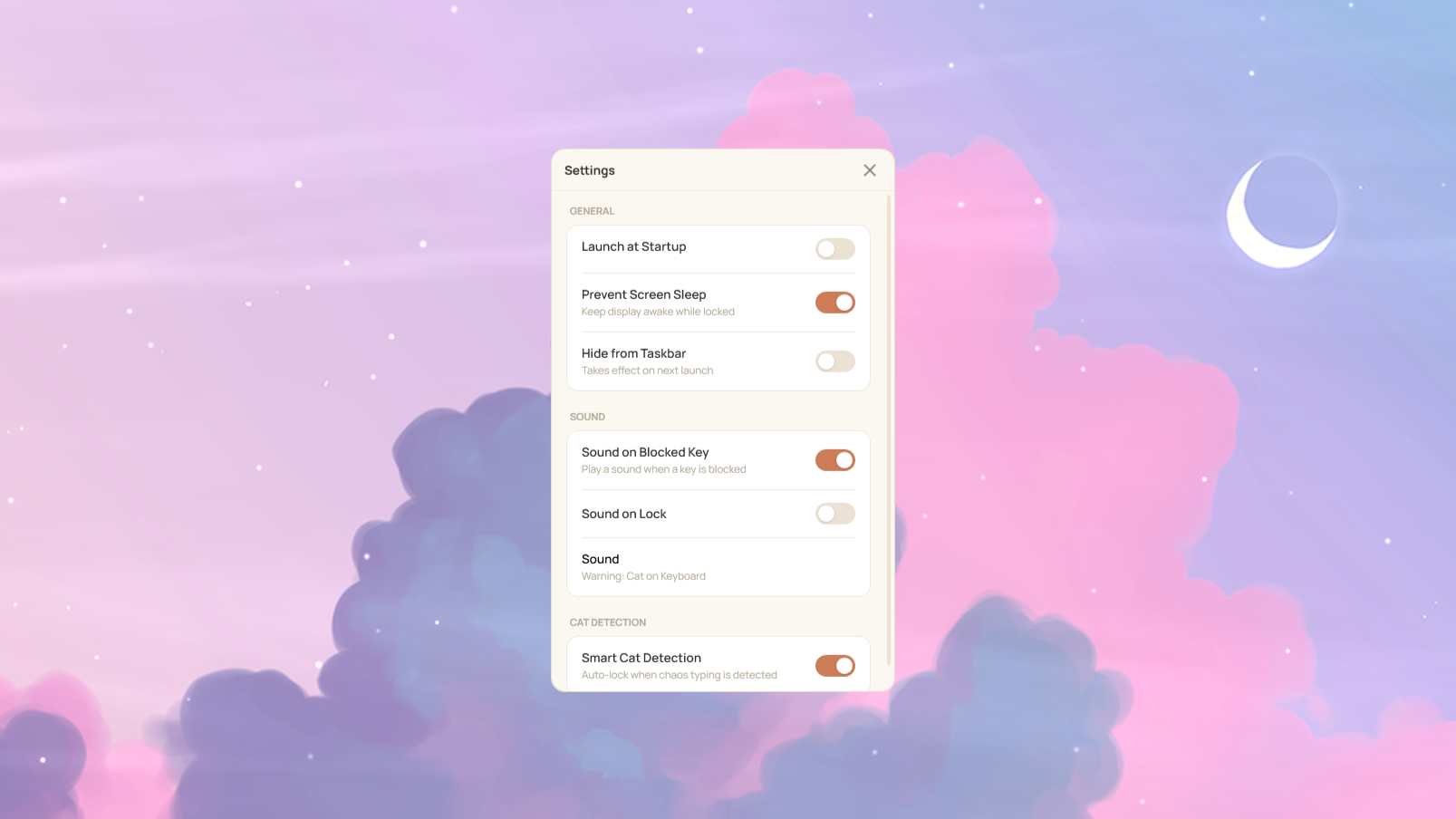
Watches for paw-like typing in the background. Auto-locks the moment it spots cat chaos — no input needed from you.
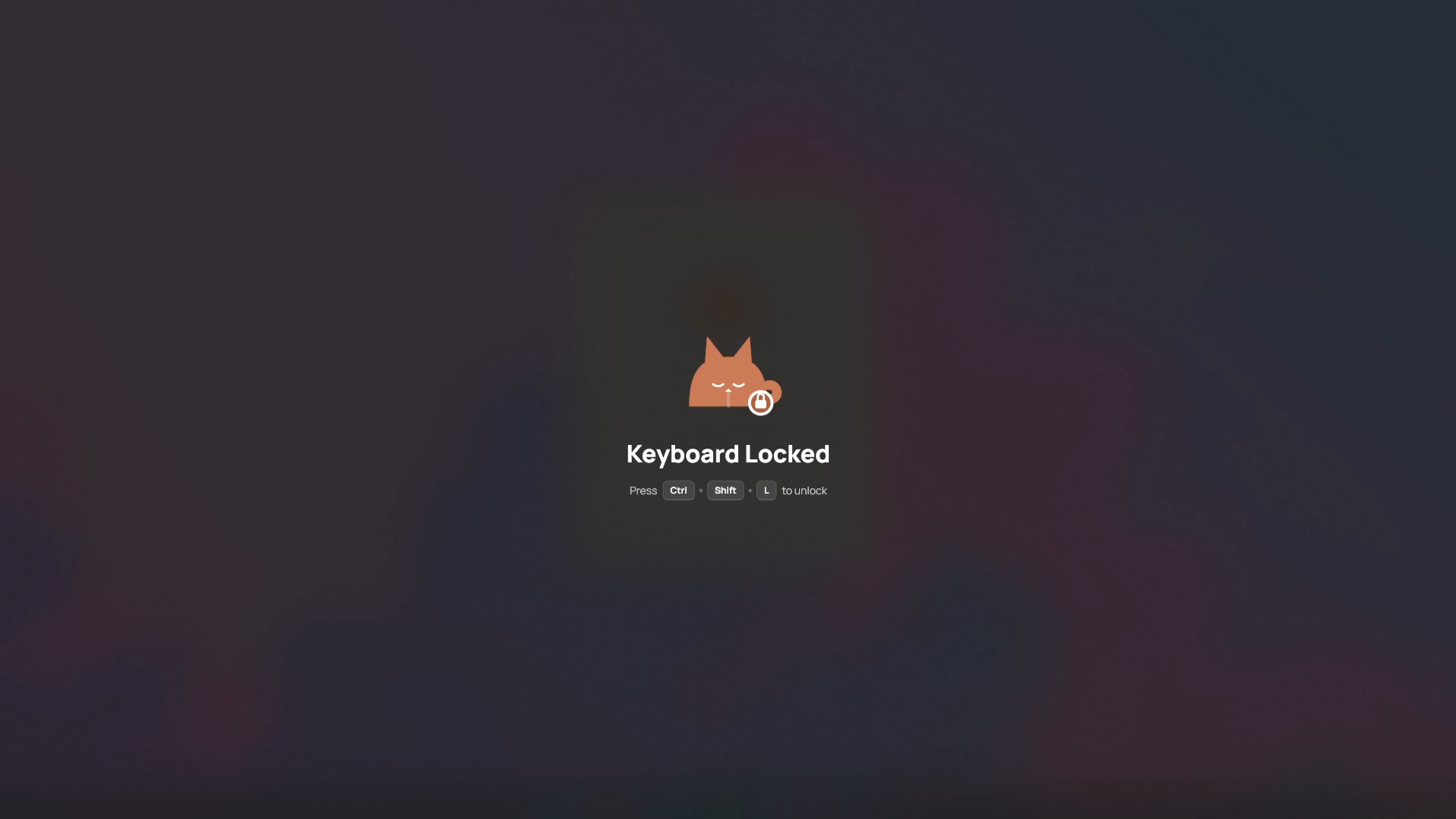
A full-screen frosted blur appears on every monitor when locked. Or use Stealth Lock for a completely silent, invisible lock.
Optional sounds on lock and every blocked keystroke. Choose from 7 built-in sounds, or import your own. Great for deterring persistent paws.
Auto-unlocks on sleep or session lock — so you're never locked out of your own machine. Keeps your display awake while locked, too.
Set it and forget it — MeowProof starts automatically with Windows and repairs itself if you ever move it to a new folder.
Download and you're done. No setup, no configuration, no fuss.
Download MeowProof and double-click it — that's the whole setup. It starts in your system tray right away.
Click Lock Keyboard in the window or tray, or press Ctrl+Shift+L from any app, any time.
Press Ctrl+Shift+L — works even while everything else is blocked. Your cat definitely can't do that.
MeowProof quietly watches for the telltale signs in the background. It never interferes with your own typing — no matter how fast you go.
Keys flying way faster than any human would ever type
Multiple keys held down all at once — like a paw resting on the keyboard
A wild random mix of letters, numbers, and symbols — all in one go
One key held down for way, way longer than any person would
Resets automatically after 5 seconds of no input and never affects your own typing.
A warm, focused UI — exactly where you need it, invisible when you don't.
Just download MeowProof and run it. Nothing to install, nothing to configure.
Free & open source · Windows 10 / 11 · View source on GitHub